Getting churches online, for offline growth.
We design your church a beautiful website, build it on our platform, and host it — then you keep it current just by asking: send an email, chat with the AI, or tell it over the phone. It even answers your phone, day and night, so your staff can focus on ministry instead of maintenance.
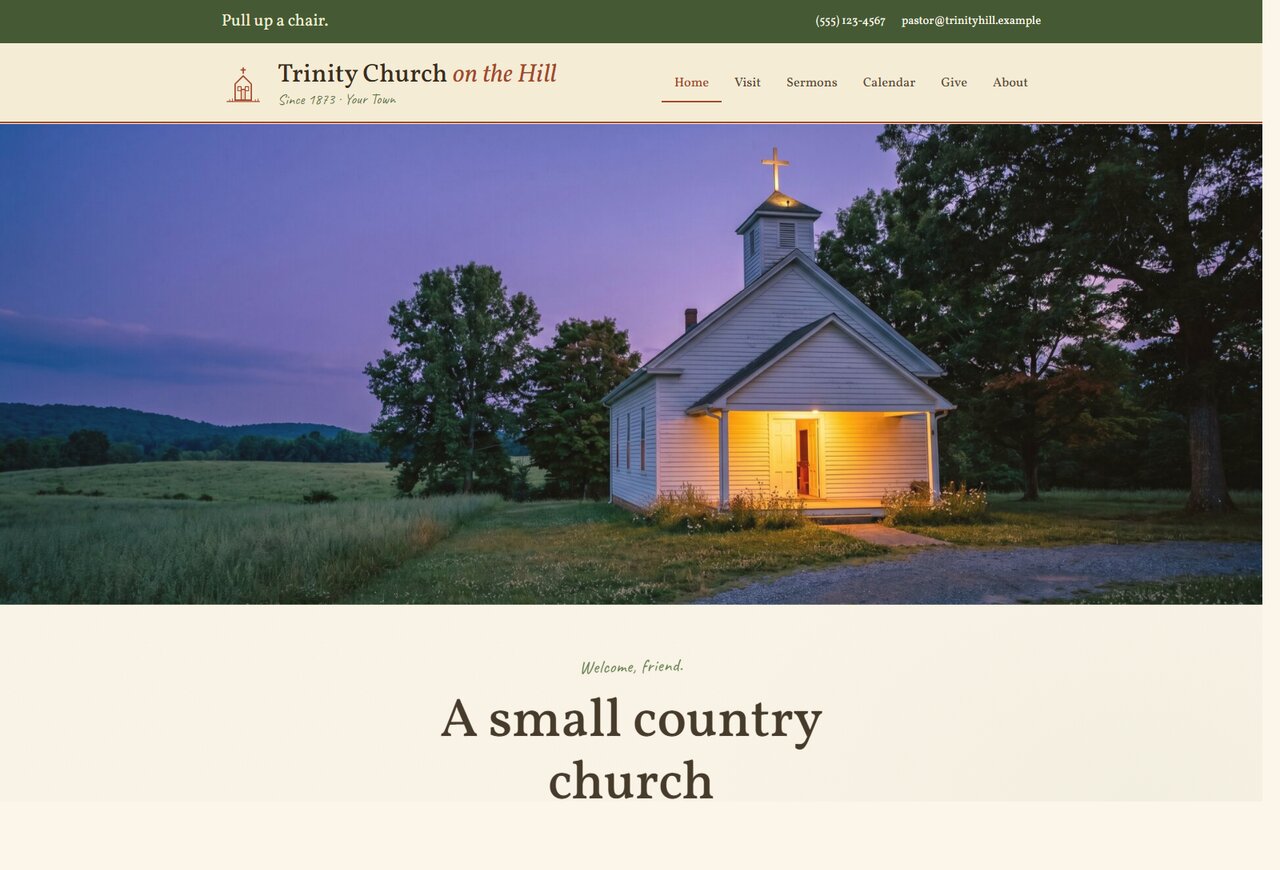
“I had visitors here Sunday who came because of the website.”
Rev. David Peters
Northwest Presbyterian Church
Every church needs a website worth visiting.
check a church's website before they'll ever walk through the doors on Sunday.
your website is usually how newcomers meet your congregation — you only get one.
the goal isn't a prettier site; it's more guests in the pews and more neighbors served.
Four ways to get a church website. One that's actually built for churches.
- Cost
- $20/mo
- Launch
- 40+ hours of your time
- For churches
- No
- Support
- DIY forever
- Cost
- "Free"
- Launch
- On their schedule
- For churches
- Maybe
- Support
- When they have time
- Cost
- $4K–$8K
- Launch
- 12–16 weeks
- For churches
- Not really
- Support
- Hourly contracts
- Cost
- $49–$199 / mo
- Launch
- 4–6 weeks
- For churches
- Yes — nothing else
- Support
- Pastor Dave answers
A volunteer site goes stale in 18 months. A Squarespace template never gets updated. A big agency forgets you the day after launch. We built IOE specifically because none of those options were working for the pastors we knew.
A complete church website, done for you.
We design it, build it on our church platform, and host it. You keep it current just by talking to it — and on the Professional plan, it even answers your phone 24/7.
A complete church site
Sermons, events, ministries, giving, galleries, an "I'm New" form, a prayer wall — a full church website built on our platform and hosted for you. Not a WordPress theme you have to maintain; a site we run.
Browse the templates →Edit it however you want
Send an email, chat with the AI, or even tell it over the phone: "move our service to 9 and 11," "add a fall festival." Preview it, then publish — done in seconds. No code, no tickets.
It answers your phone
A 24/7 AI receptionist takes the calls no one's there for — prayer requests, service times, directions, messages for staff — and calls people back. (Professional plan.)
Found by your neighbors
Local SEO that gets you in the map pack and named by ChatGPT, Claude, and Perplexity — plus a reviews panel (Google, Yelp, Facebook) with AI-drafted replies, and every guest in one inbox.
Plus professional branding & sermon graphics, and a built-in image generator in every plan.
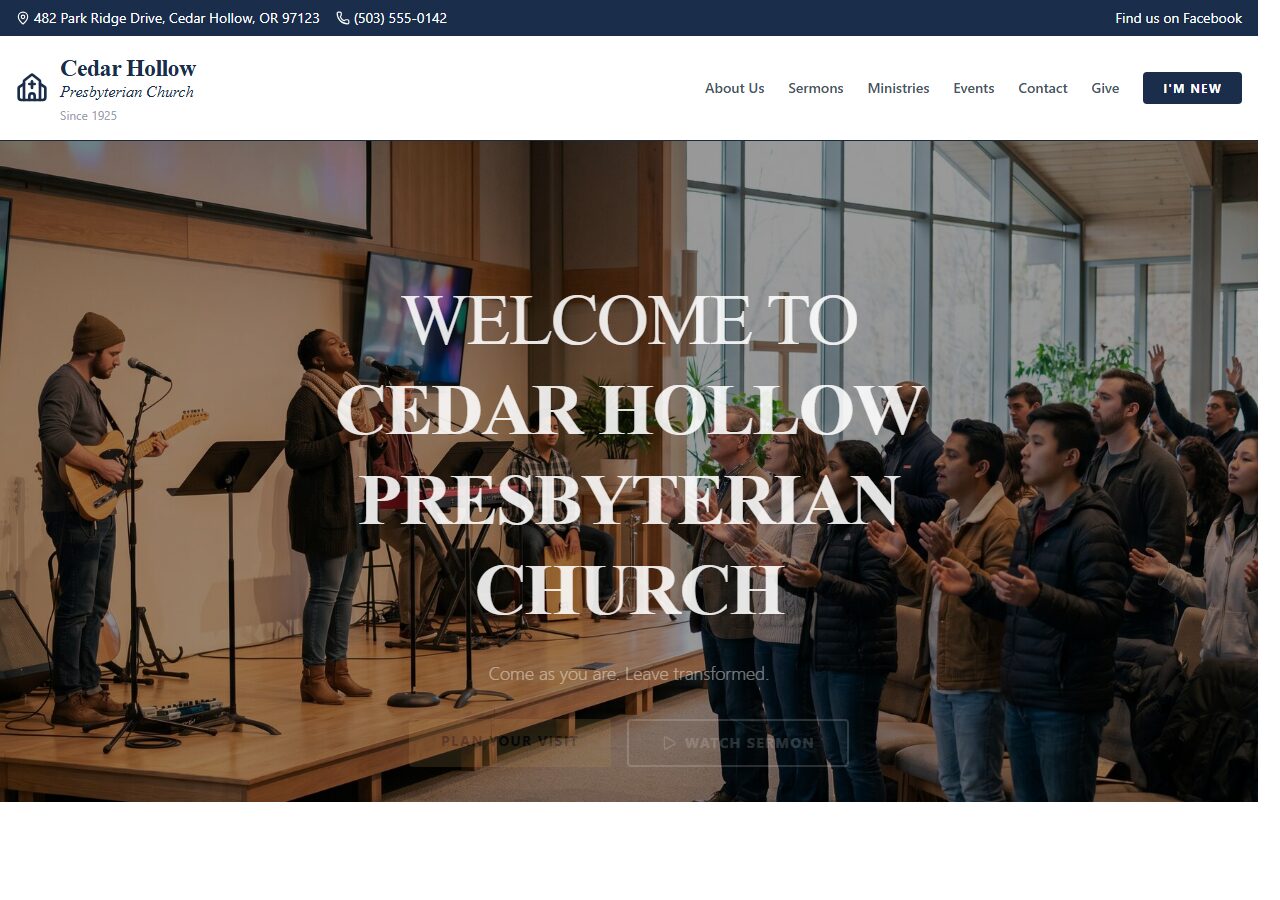 Welcoming
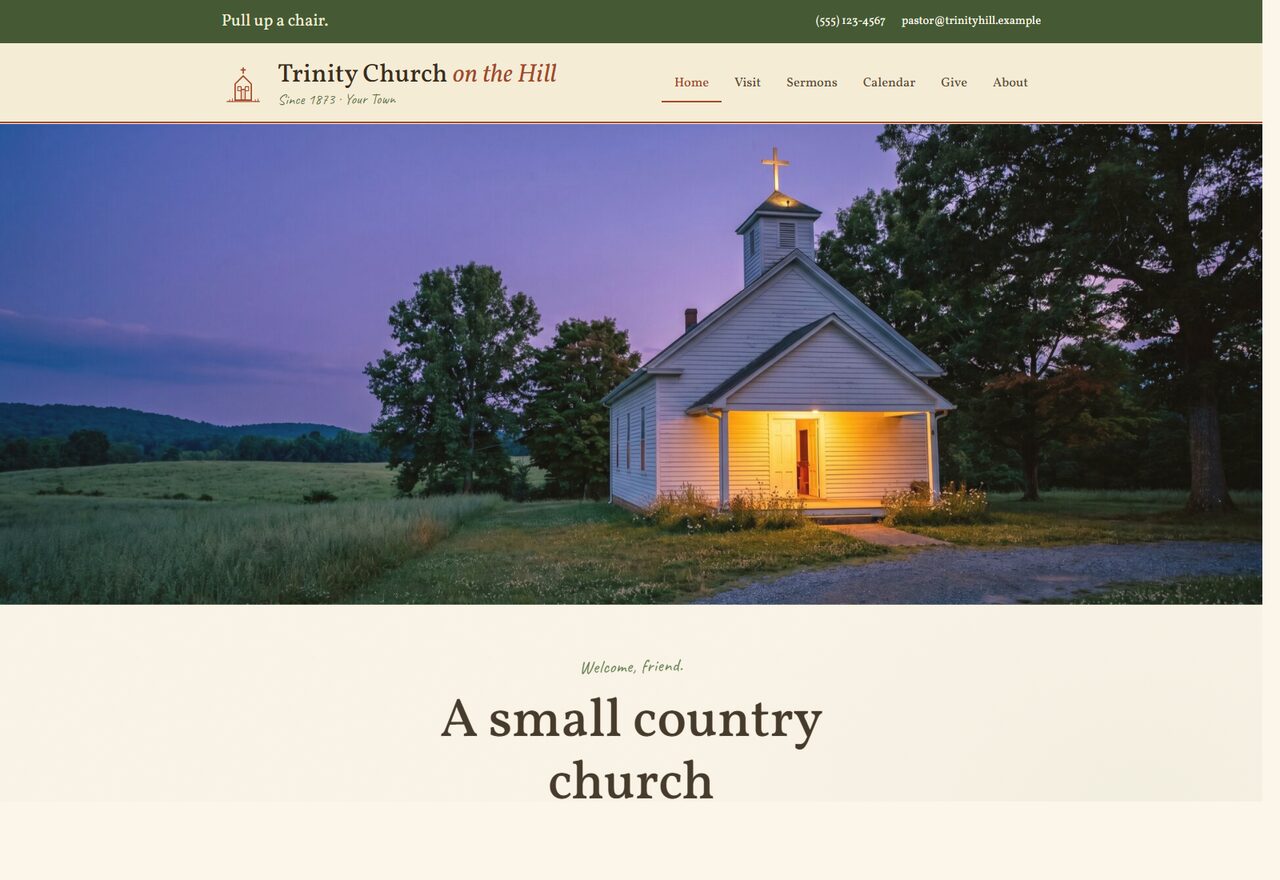 Hearth
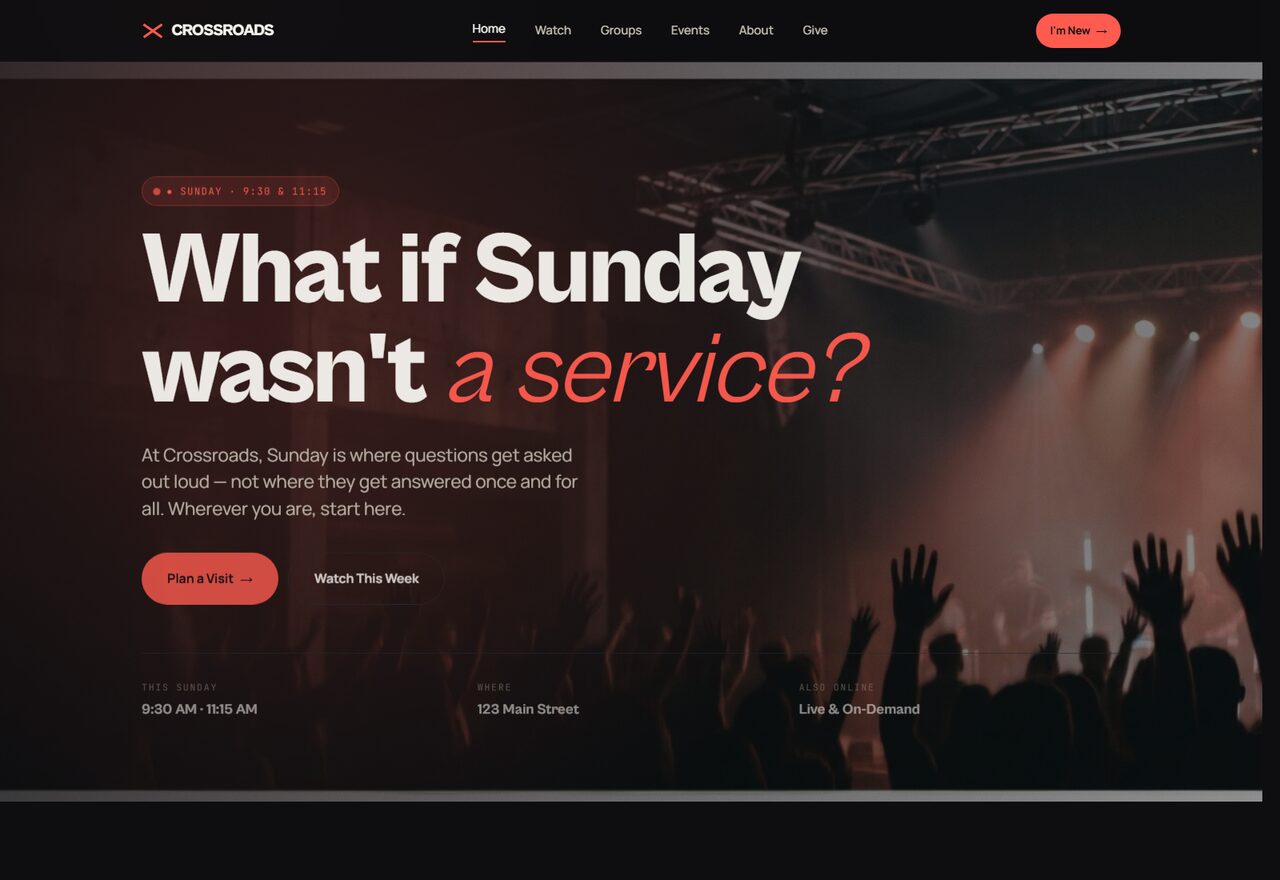 Crossroads
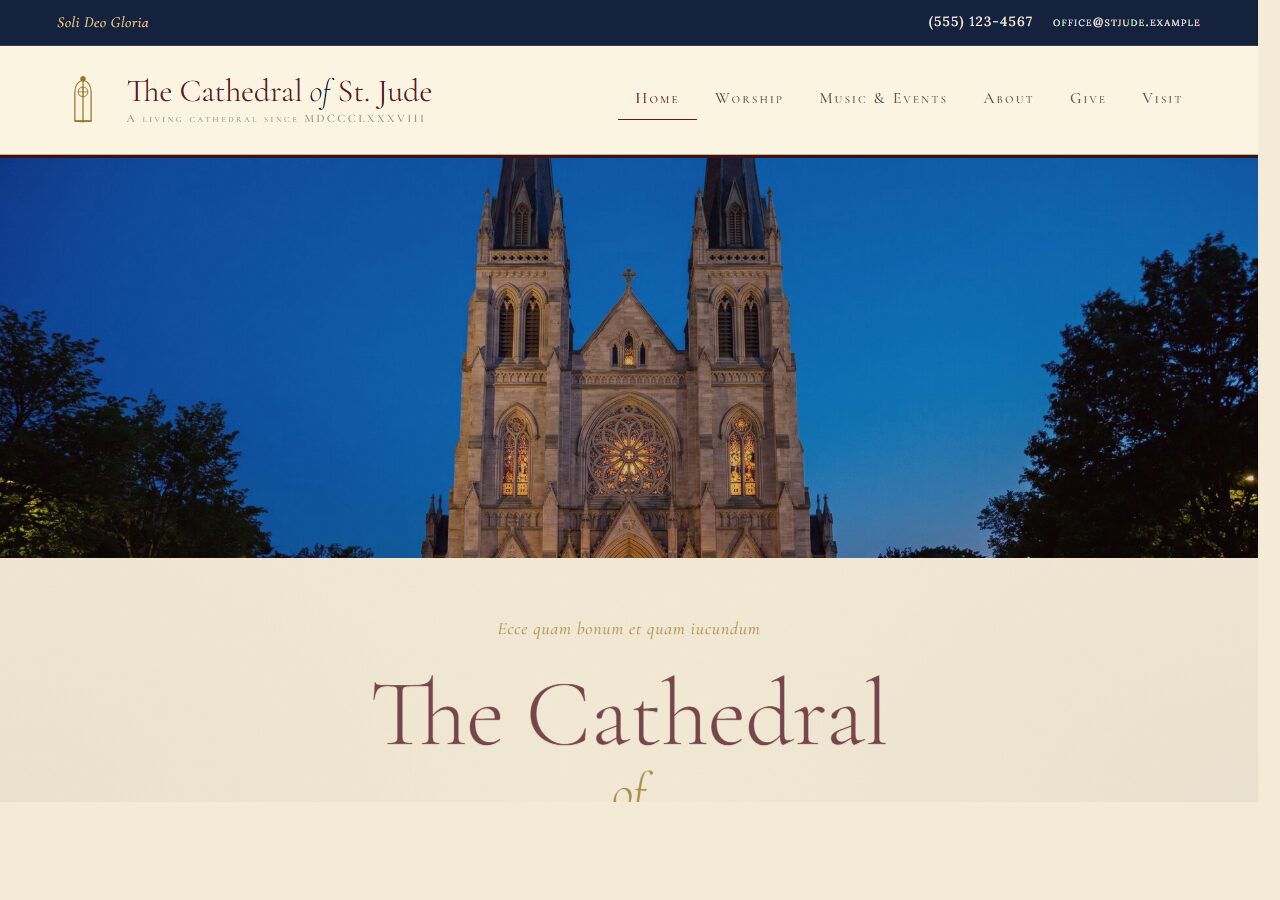 Liturgical
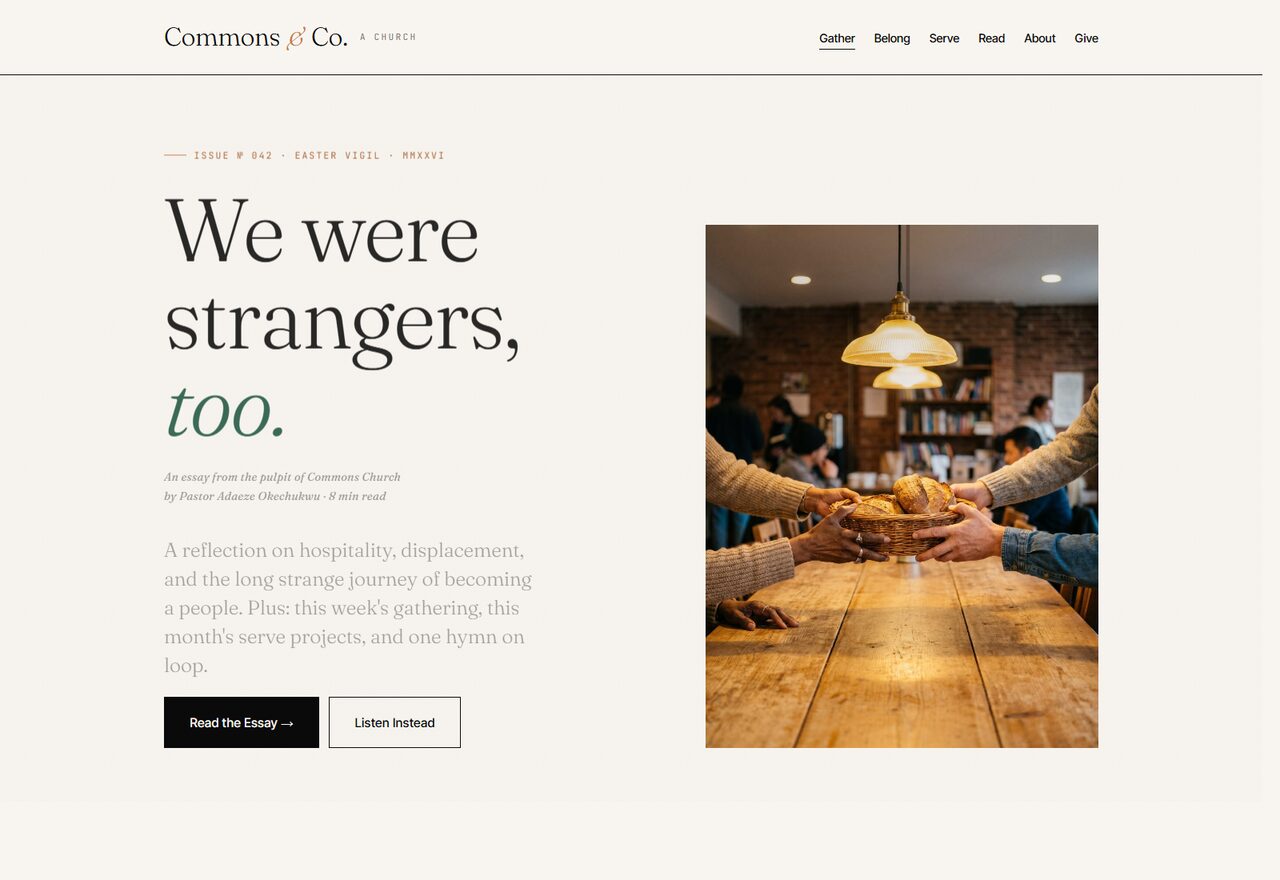 Commons
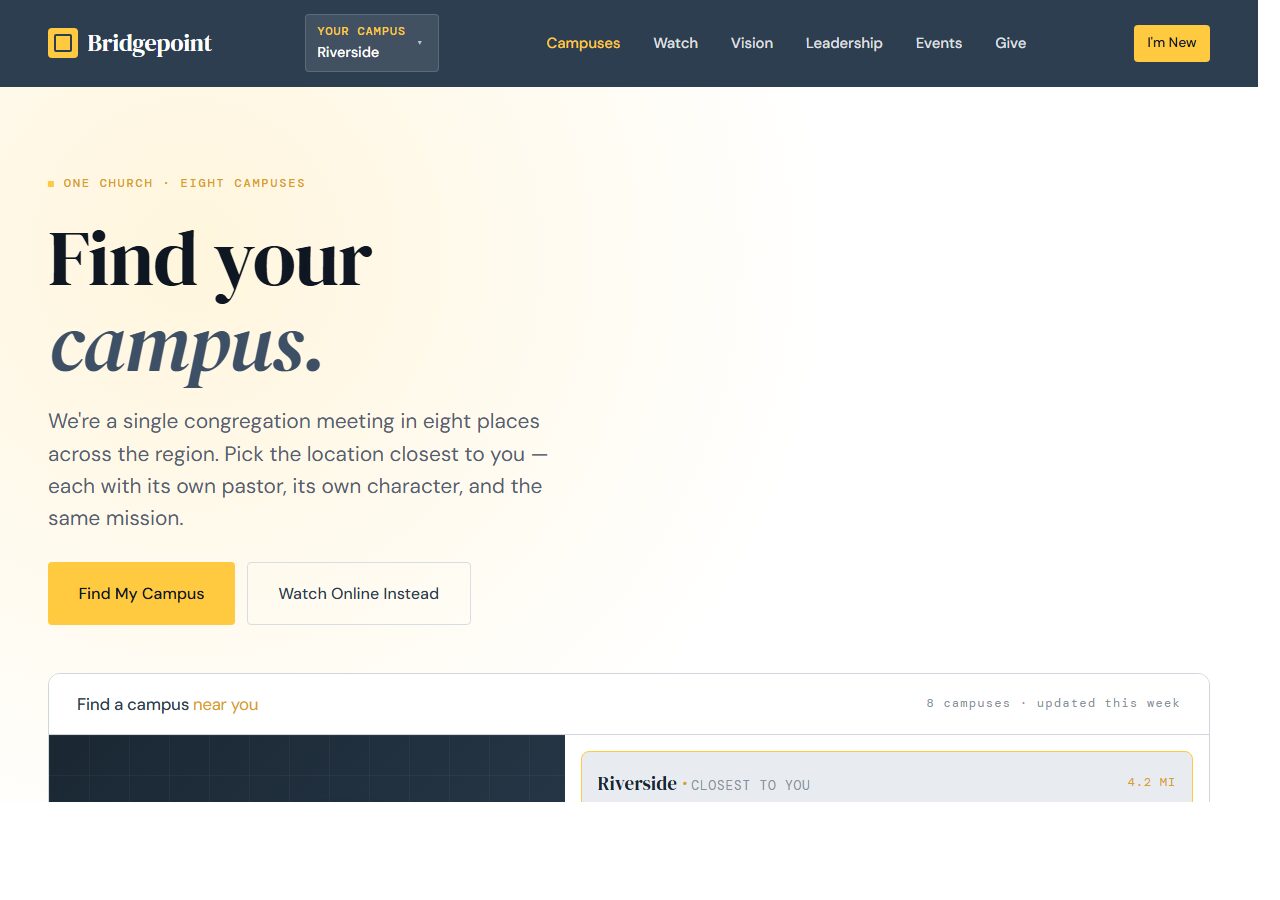 Network
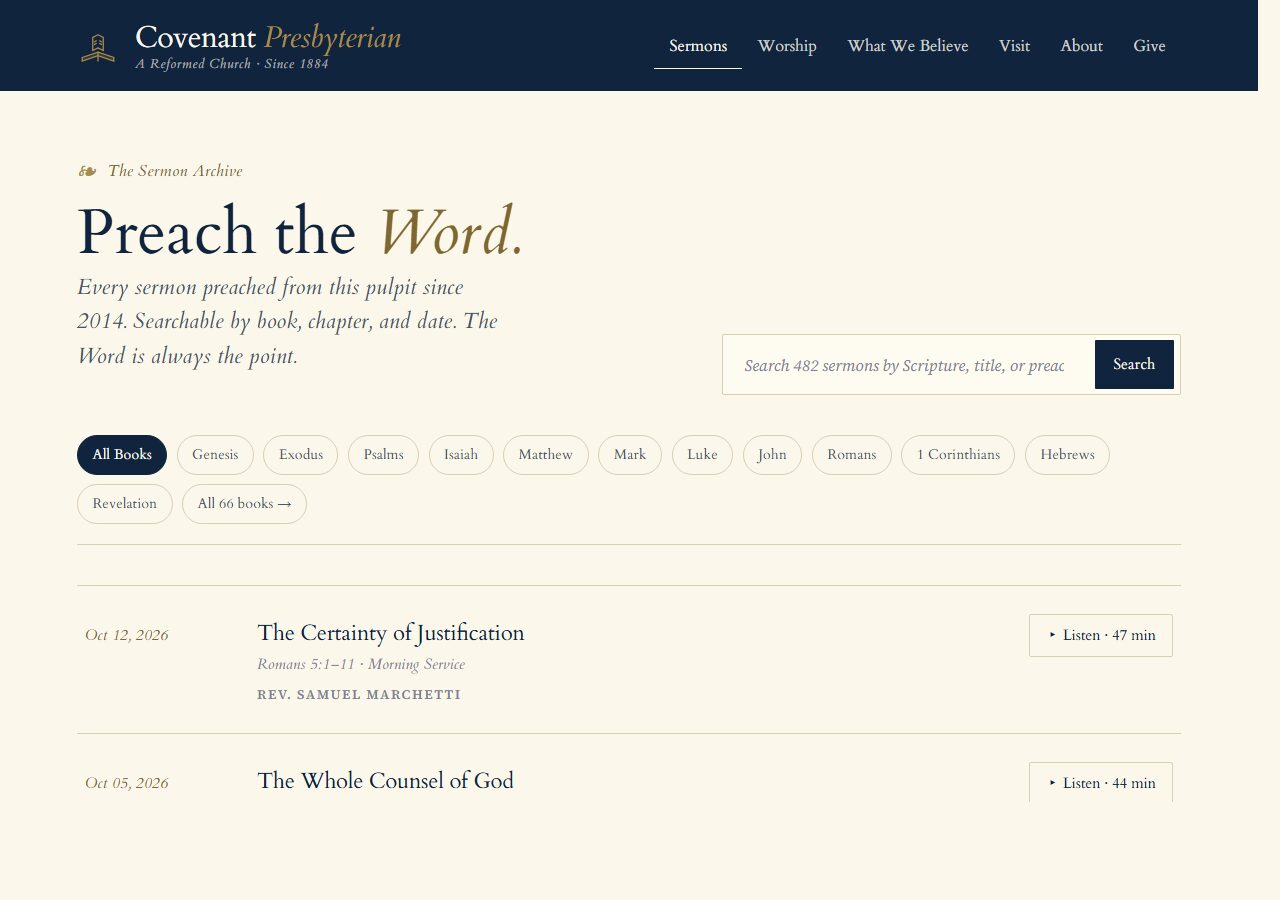 Pulpit
Your church website, managed by AI.
Most church staff don't have time to be webmasters. So your site runs itself — and when you do need a change, you just ask.
Need a banner or social graphic? It's built in — describe it, get it, resized for every platform.
Edit by email, chat, or phone
Tell it what to change however's easiest — email, chat, or a quick phone call. Chat → preview → publish, live in under a minute, and every change is reversible.
24/7 AI phone receptionist
Answers calls after hours and on weekends — prayer requests, service times, directions, messages — in any language, and calls people back. (Professional plan.)
Your admin hub
One place for every guest, review, and visit: your reviews inbox with AI-drafted replies, your local & AI-search visibility, your credits and settings.
Simple as having a conversation.
We build your site
Pick a pastor-tested template. We build your complete church site and host it — sermons, events, giving, the works. No WordPress to wrangle.
Tell it what you want
Need a change? Just say it: "update our service times," "add this event," "swap the hero photo." Preview it, then publish — in seconds.
It runs itself
Your site posts sermons, captures every lead, keeps you found online, and — on Professional — answers your phone. We keep it secure and backed up.
See your church's new website. Free, in about a minute.
Enter your church's web address and watch a complete new site build itself — from your own words and photos — in about a minute. Then make it yours: click to edit, or just tell the AI what to change. Free to try, free to share.
Not a pitch. Their own words.
“I had visitors here Sunday who came because of the website. They said they drove past at least one PC(USA) church to get here. They were snowbirds from Michigan.”
“Nothing is free. I used a so-called free website. It took me 48 hours to set up, and 11 hours a week to manage it when I was a full-time pastor. Left to volunteers, the work simply does not get done and the site quickly becomes irrelevant. I highly recommend Pastor Dave — we are getting results.”
“Internet Outreach made this possible. With a small staff, it was imperative for us to be mostly hands-off so we could focus on our day-to-day work. We love our beautiful, informative new website!”
“Internet Outreach Experts did a fantastic job redesigning and deploying our website. From the first meeting to the day of launch, Pastor David Baker and his staff were wonderful. We are very pleased with the results.”
“Pastor David Baker was very responsive to our numerous inquiries and flexible with our small-church budget. The tutorial videos pointed out exactly what a guest needs to see on a first visit. Our project manager really knew how to think outside the box.”
“Thanks for keeping the website and our email lives up and running smoothly. Chai is so responsive and easy to work with — as are you.”
Trusted by churches nationwide since 2013
Three plans for every size of church.
- A complete church website, built & hosted for you
- Edit it by email, chat, or phone
- Local SEO + AI-search visibility (get named by ChatGPT, Claude & Perplexity)
- Managed hosting, SSL, daily backups & monitoring
- …and more
- Everything in Starter, plus
- Guest activity feed — forms, missed calls & reviews in one inbox
- Reviews aggregator — Google, Yelp & Facebook, with AI-drafted replies
- Church AI tools — sermon-to-blog, bulletin & transcription drafters
- Member & family editor portal
- Everything in Standard, plus
- 24/7 AI phone receptionist — answers calls, takes prayer requests, calls back
- AI agent + control layer — run your site from Telegram or email, with guardrails
- A custom designed website
- First in line for support
Every plan includes a built-in image generator and pastor-led human support. Need multi-site or denominational? Let's talk.
One conversation. That's all it takes to start.
Schedule a free 20-minute consultation with Pastor Dave — no sales pitch, just an honest conversation about what your church actually needs and which plan fits.
- Cancel anytime, month-to-month
- No setup fees, no surprises
- Built specifically for churches
- Pastor-led, AI-powered